How do I add new categories in the web app?
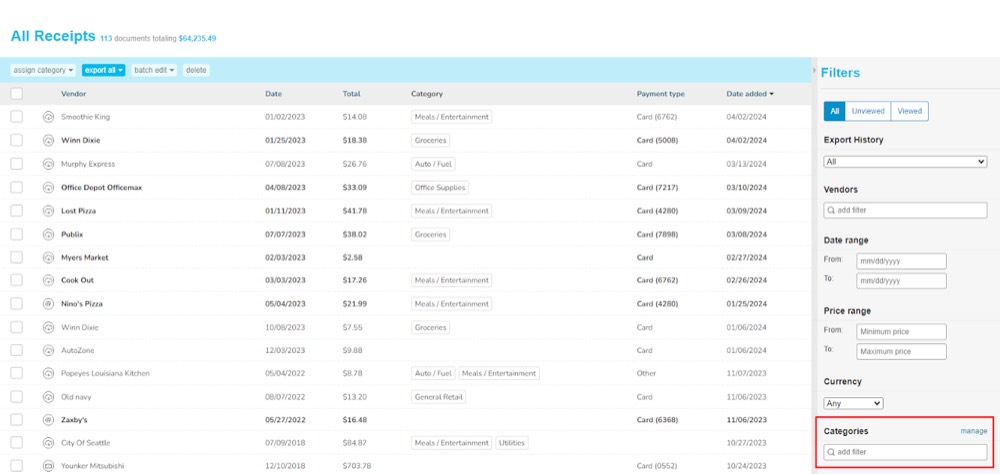
Step 1. To create a new category, go to the Receipts section of your Shoeboxed account, then go to Filters on the right side of the page and scroll down to Categories and select Manage.
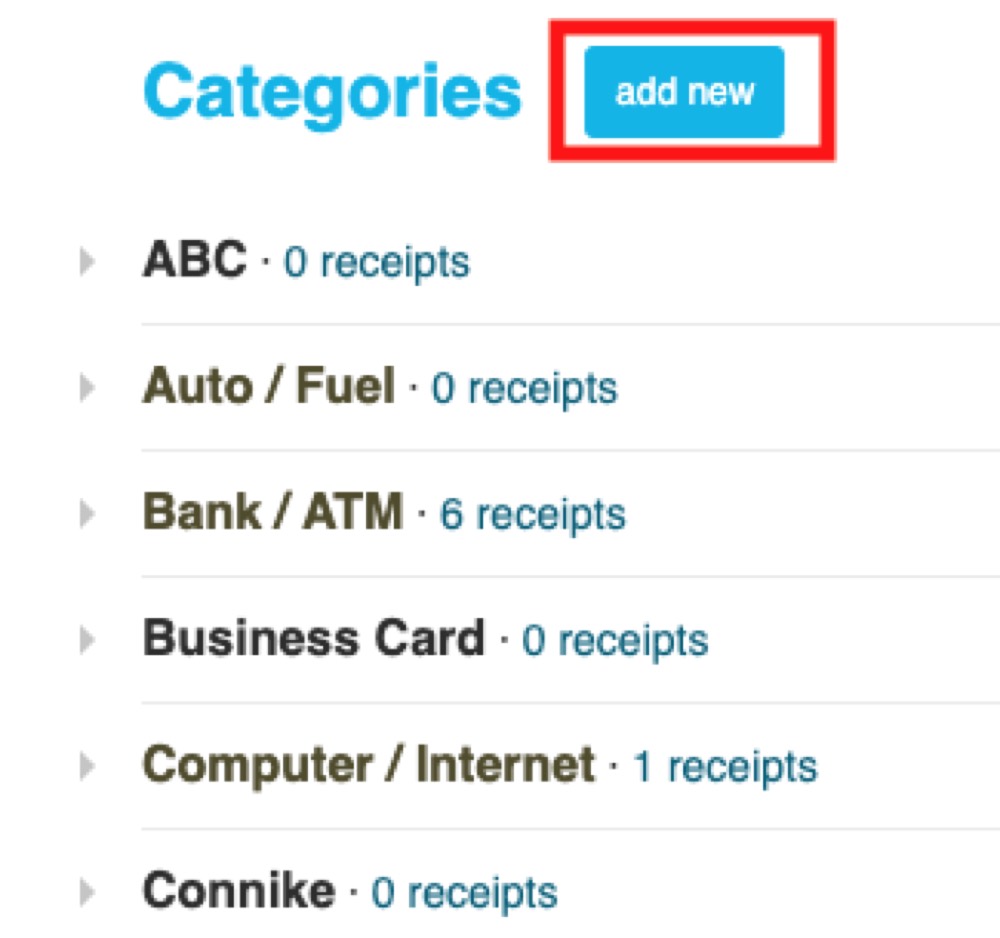
Step 2. Once you are in the Categories section, click on add new and type in the label for your own customized category!