How do I add users to my Shoeboxed account?
Want to add your accountant, bookkeeper, spouse, or team members to your Shoeboxed account?
Here’s how:
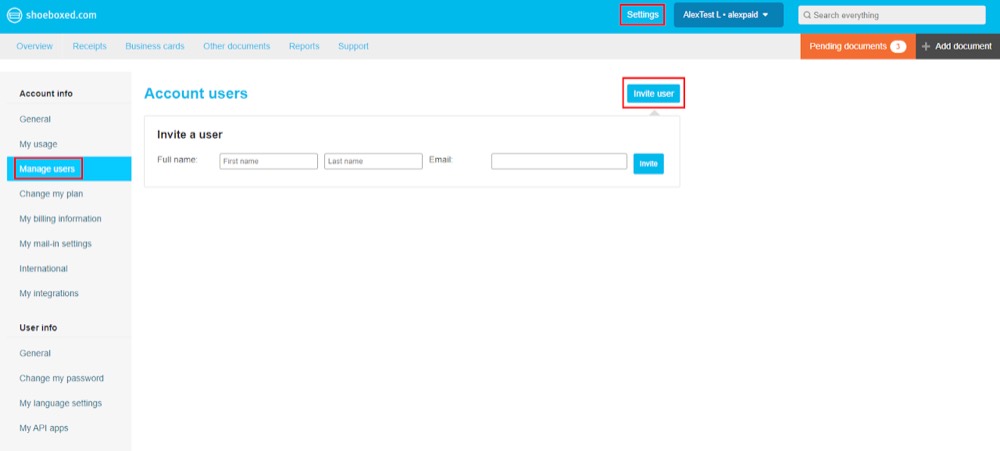
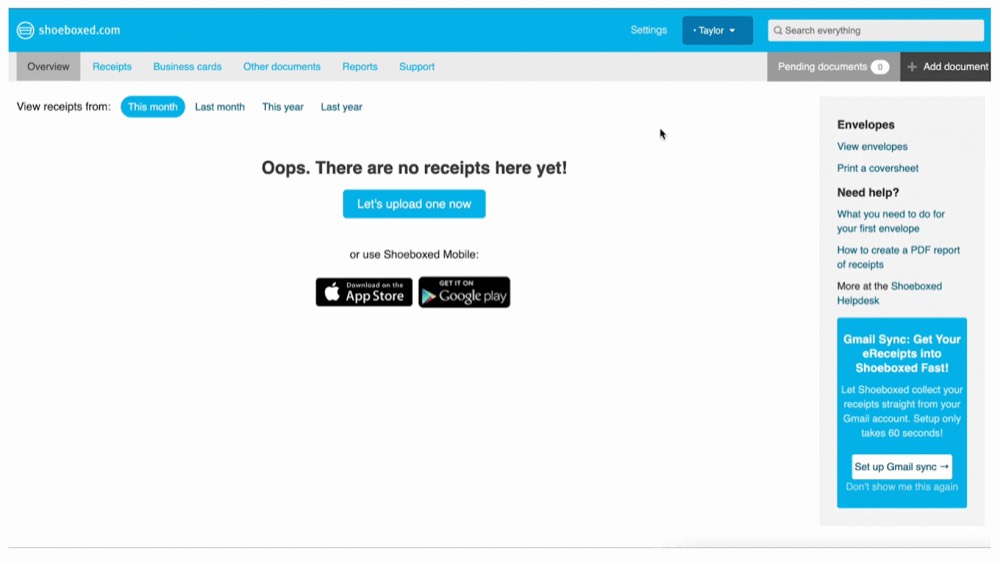
Step 1. In your Shoeboxed account, go to Settings, then navigate to Manage Users.
Step 2. Click on Invite User.
Step 3. Type in their name and email address, then click Invite. All done!