How do I switch my default currency?
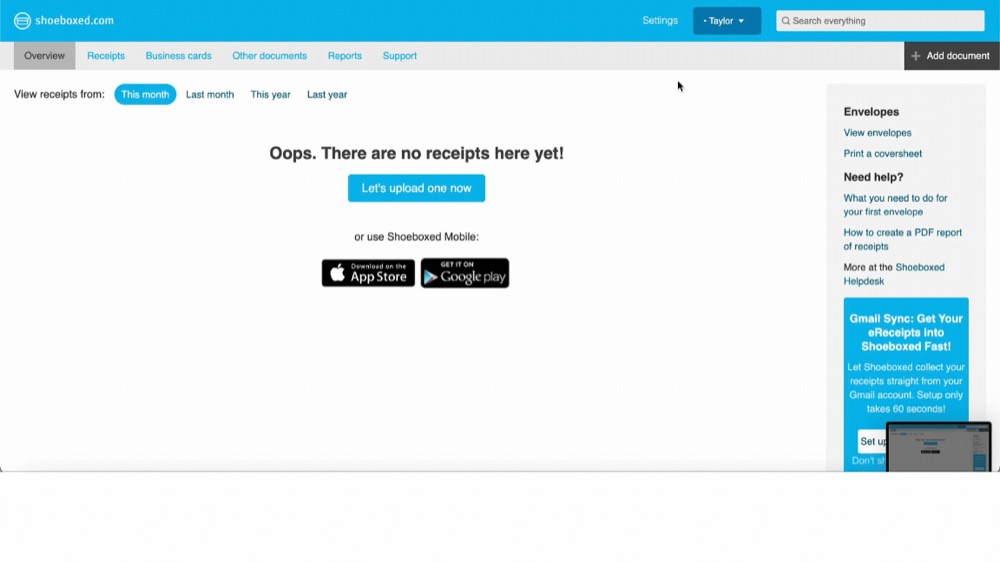
Step 1. Log in to your account.
Step 2. Go to Settings.
Step 3. Click on International.
Step 4. Under Currency, select the currency that you want all receipts to be displayed in.
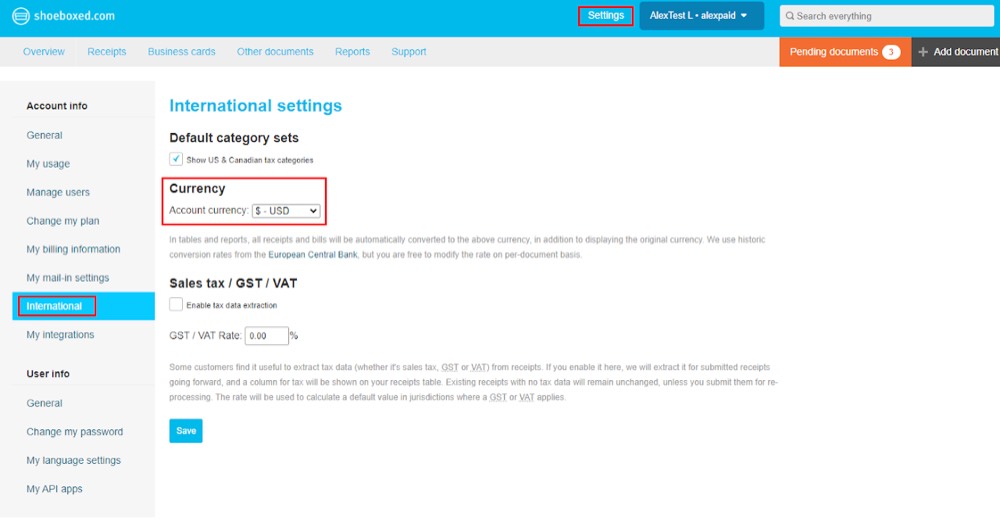
All receipts and bills will be automatically converted to the currency you selected, in addition to displaying the original currency. We use historic conversion rates from the European Central Bank, but you are free to modify the rate on a per-document basis.